
Opens the official Google Play page for this app, where you can read the reviews yourself, then download and install it. This site does not host any files.
Screenshots
Opens the official Google Play page for this app, where you can read the reviews yourself, then download and install it. This site does not host any files.
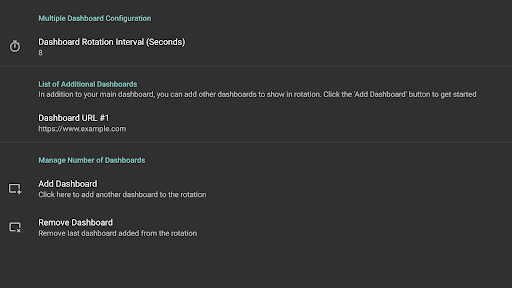
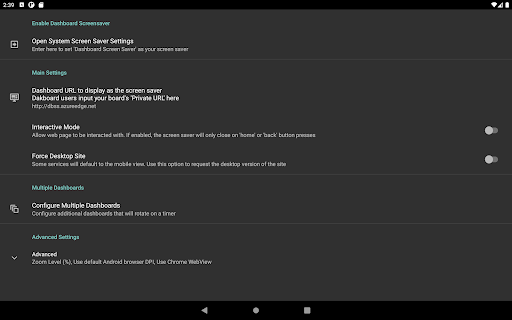
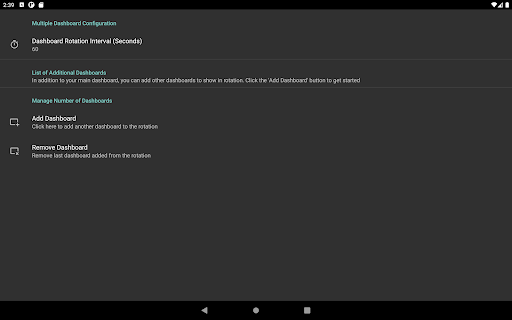
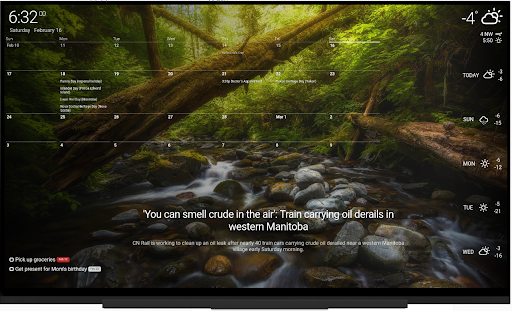
Dashboard Screen Saver lets you choose a web address and display that page as the screensaver on an Android TV device. It is aimed at people who want a dashboard, smart-home control panel or other regularly useful page visible when the TV is idle, rather than a conventional collection of photos. The app is listed in Productivity and is developed by RafC02.
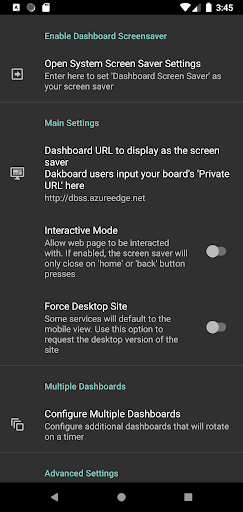
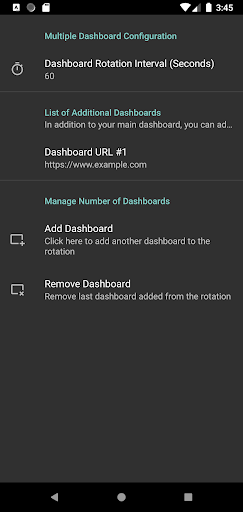
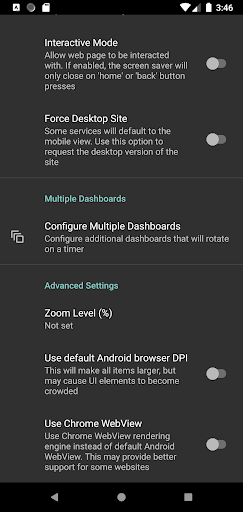
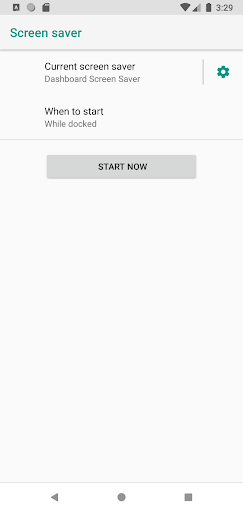
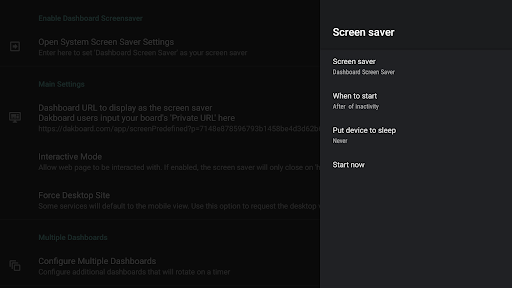
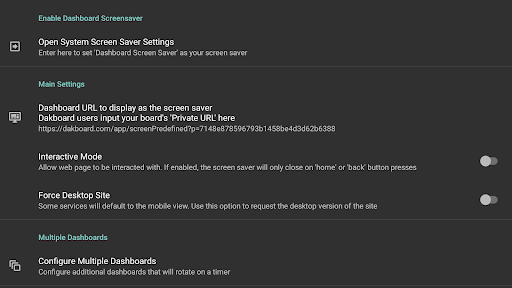
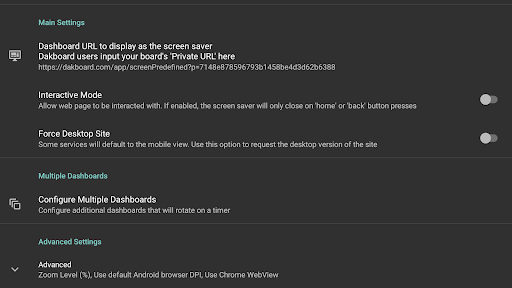
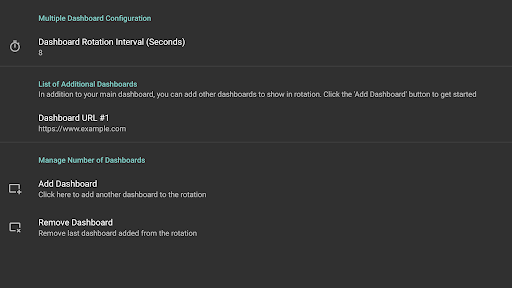
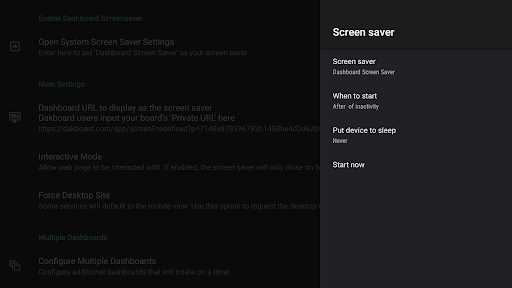
You enter the page’s URL in the app, then open the Android system screensaver settings and select Dashboard Screen Saver. The page shown therefore depends on the site you choose and whether it works on your device; the app’s role is to present that web page as the screensaver.
Device support is worth checking before relying on it. Chromecast devices lost the standard option to use third-party screensavers in a 2022 update. The supplied information says this can be worked around with ADB commands, while other devices can be configured through the app’s interface.
The app offers a 24-hour trial and then a one-time payment, with no ads or upgrade purchases described. That arrangement may suit someone who already has a web dashboard they want to keep on screen; it is less relevant if they only want a standard photo screensaver or do not have a suitable page to display.
Dashboard Screen Saver has a 4.47 out of 5 rating from 72 ratings and 1,000+ installs. Those figures point to a broadly favorable overall score, but they do not explain which devices or web pages people used, or why individual users rated it as they did. Compatibility, especially on Chromecast, is a practical factor to weigh alongside the rating.