
Opens the official Google Play page for this app, where you can read the reviews yourself, then download and install it. This site does not host any files.
Screenshots
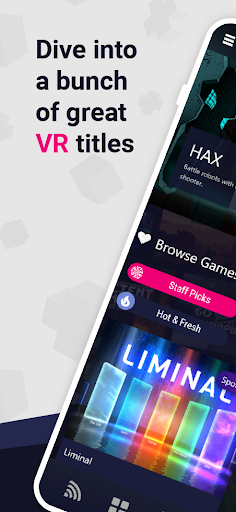
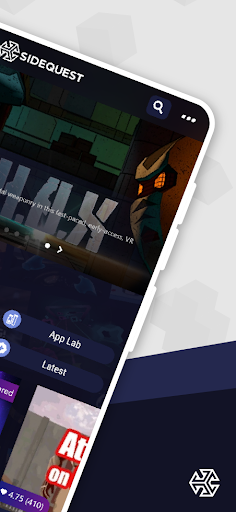
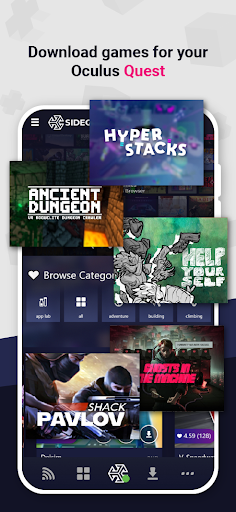
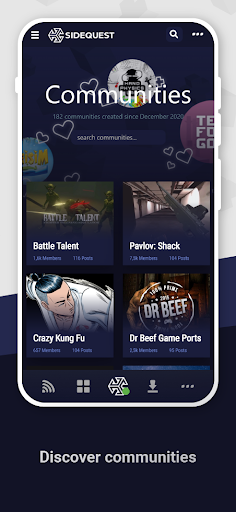
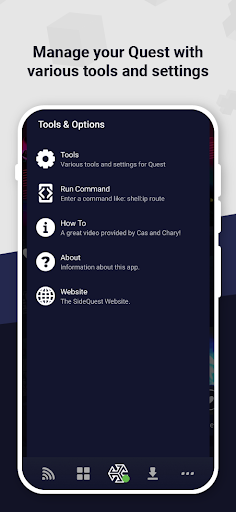


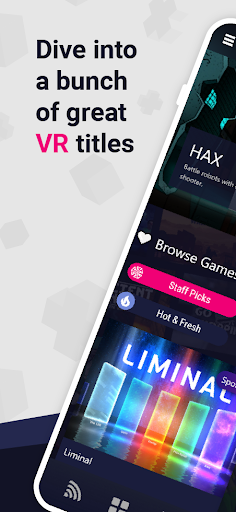
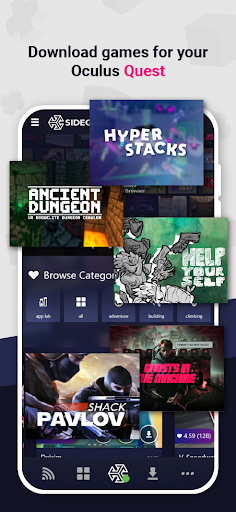




Opens the official Google Play page for this app, where you can read the reviews yourself, then download and install it. This site does not host any files.
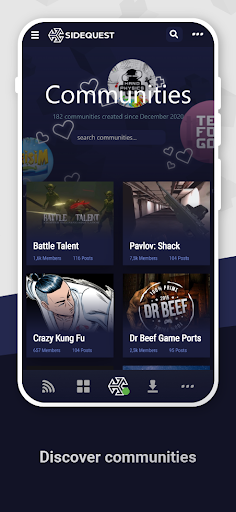
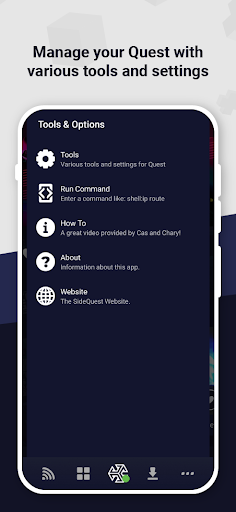
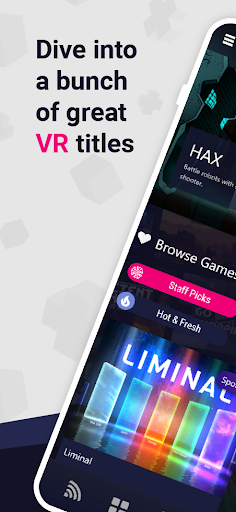
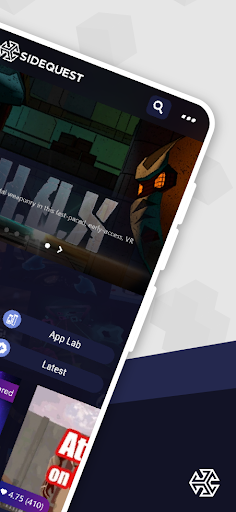
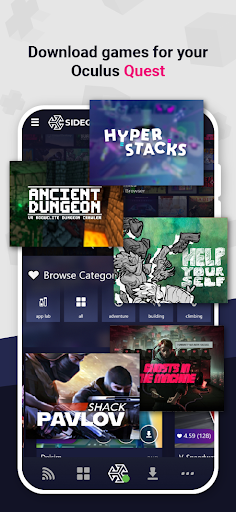
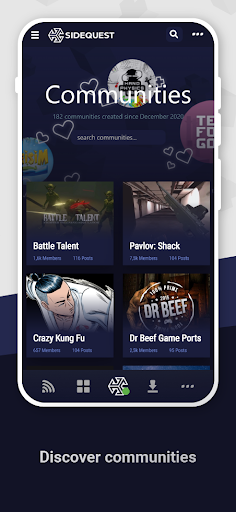
SideQuest ( BETA ) is a tools app for people using standalone VR headsets. It provides access to apps and other content beyond the headset’s official store, including projects that are still finding an audience. Developers can also use SideQuest to share work and build a community around it. The app is published by SideQuest Ltd and has 500,000+ installs.
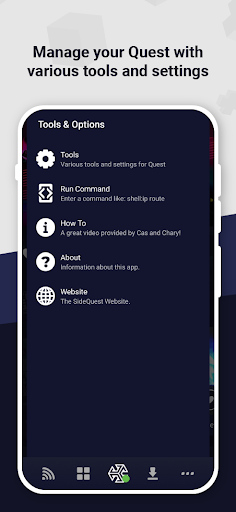
Using the app with a headset involves Android Debug Bridge (ADB). Wireless use requires wireless ADB to be enabled first, which means connecting over USB beforehand. Some phones can make that USB connection through OTG, but support varies by device. A computer running SideQuest’s desktop app is another way to enable wireless ADB. That extra step may suit users comfortable with headset settings and device connections better than people looking for a simple browse-and-open experience.
The app has a 3.16 rating from 2,430 ratings, suggesting a divided overall reception rather than near-universal approval or disapproval. That score gives a broad temperature check, but it does not explain which parts users respond to positively or negatively. It is best read alongside the app’s practical requirements: SideQuest opens up another route to VR content, while getting that route connected can depend on the phone and some initial setup.
SideQuest is most relevant to standalone-headset owners who want to explore content outside the official store, and to developers sharing or testing VR projects. It may be less appealing if you do not want to configure ADB or troubleshoot a USB connection. Its beta label is part of the app’s name, so users should approach it as a tool for exploring an additional VR content source, not as a replacement for the headset’s built-in store.